
Tech
Tap Get to Add Any Face to Your Collection
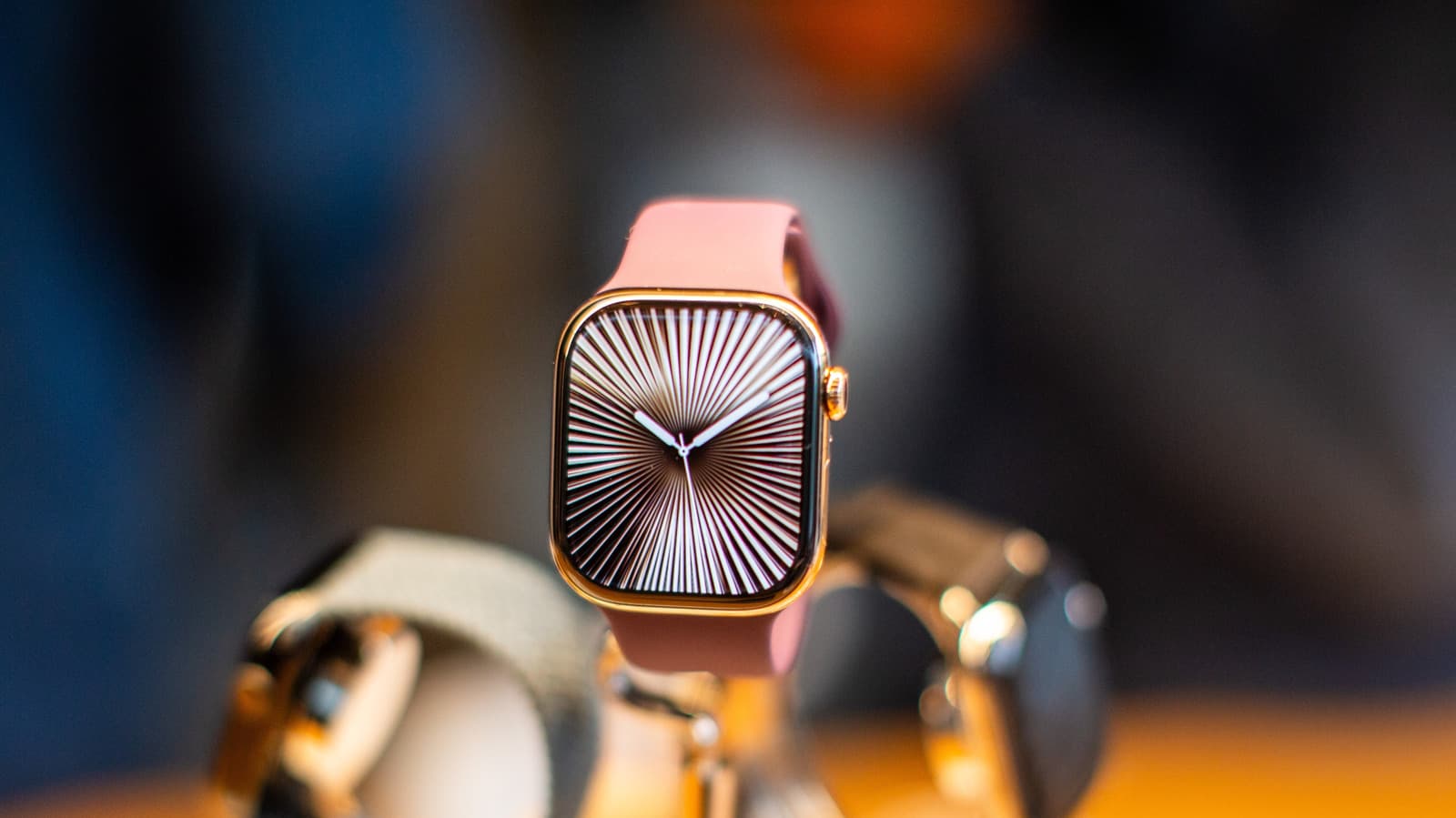
Your Apple Watch offers far more than simple face swapping, with hundreds of designs, features, and color schemes available to match your style. The key to unlocking these options lies in the Watch app, which comes preloaded on your iPhone and serves as the gateway to advanced customization tools. To begin personalizing, open the Watch app and tap the Face Gallery tab, where categories like Health & Fitness, Photos, and Data Rich await.
Scroll to the bottom and select See All Watch Faces to browse the full range, including branded options from Nike and Disney, plus artistic designs with millions of combinations. Tap Get to add any face to your collection. For a personal touch, you can use your own photos.
In the Face Gallery, tap Photos, then choose Shuffle to rotate through featured shots, specific people, or a particular album. Alternatively, select Choose Photos to manually pick up to 24 images from your camera roll. After customizing, tap Add to Watch, and a new photo will appear whenever you tap the display or raise your wrist.
Apple shuffles through 16 photos from your collection daily. A quick shortcut lets you create a watch face directly from a the photo, hit the export button, scroll down, and select Create Watch Face. Switching between saved faces is simple—press and hold the display until the image shrinks, then swipe through your designs.
Use the Edit button to adjust complications, which are widgets showing calendars, compasses, maps, tide swells, air quality, moon phases, and more. These can be added via the Watch app or directly on the watch interface.
Source: Engadget